How Temp Mail Free works
TempMailFree gives you a temporary email address that you can use instead of your personal email when signing up for websites, receiving verification messages, testing services, or completing one-time online tasks.
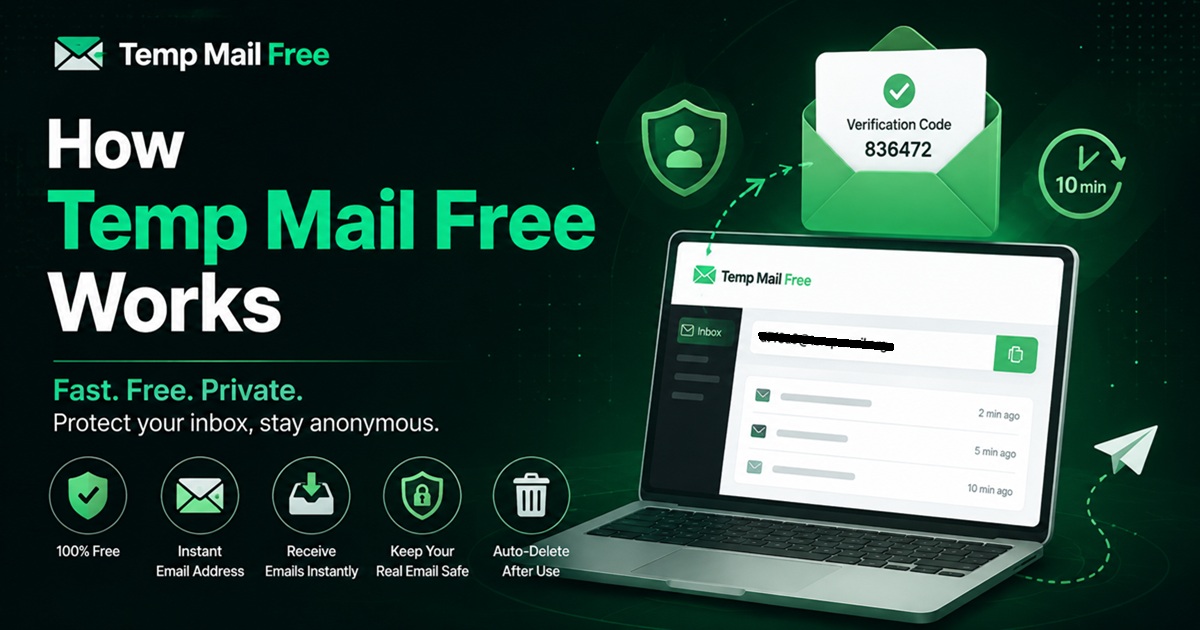
There is no complicated setup and no account registration.
Simply generate an email address, copy it, use it wherever an email address is required, and receive incoming messages directly in your temporary inbox.
It only takes a few seconds.
How to Use TempMailFree
Using a temporary email address is simple.
1. Generate Your Temporary Email
Visit TempMailFree.org and a temporary email address will be available for you to use.
There is no need to create an account, enter a password, or provide your personal email address.
If you want another address, simply generate a new one.
You can also customize your temporary email address when you want something easier to recognize or remember.
2. Copy Your Email Address
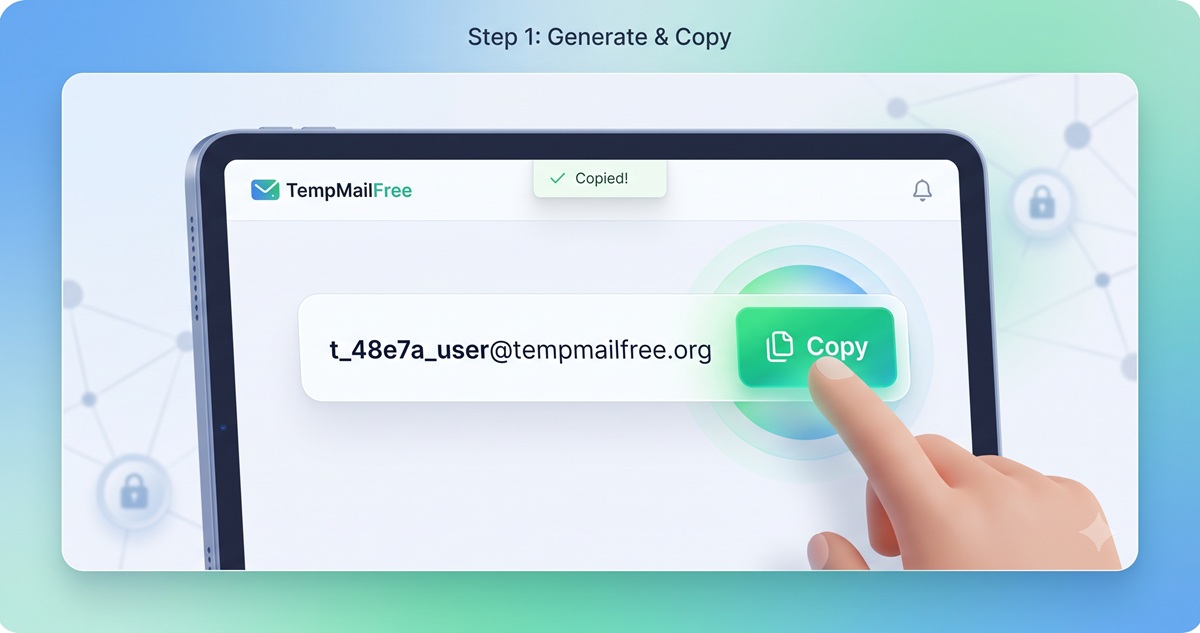
Click the Copy button next to your temporary email address.
The address is copied to your clipboard and is ready to use immediately.
You can paste it into:
- Website registration forms
- App sign-ups
- Online forums
- Download pages
- Newsletter forms
- Free trials
- Testing environments
- Email verification forms
- Other services requiring an email address
Your personal inbox does not need to be involved.
3. Use the Temporary Email Instead of Your Real Email
Whenever a website asks for an email address, paste your TempMailFree address into the email field.
From the website's perspective, it works like a normal email address for receiving incoming messages.
This makes temporary email useful when you only need an address for a short-term purpose and do not want to expose your primary email.
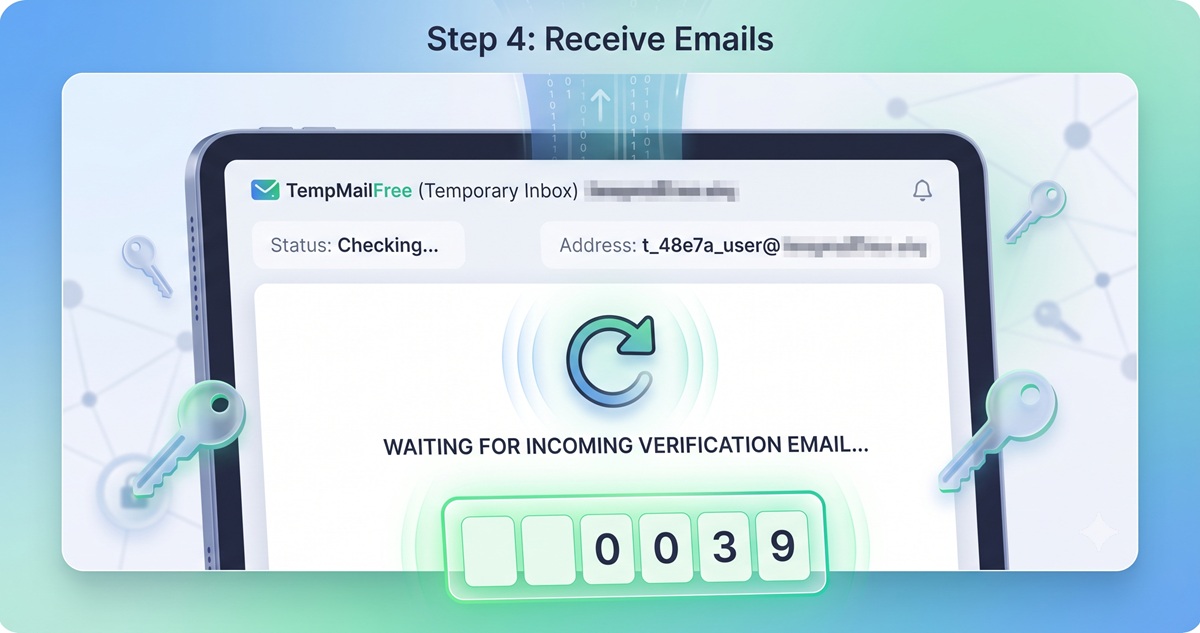
4. Receive Emails in Your Temporary Inbox
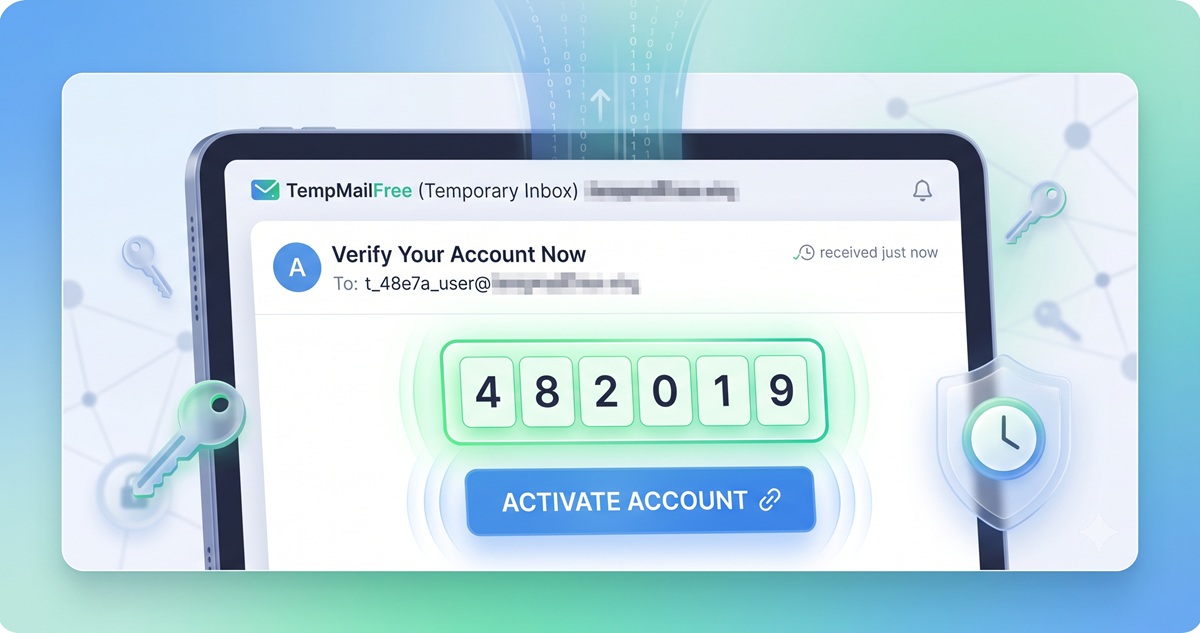
Return to your TempMailFree inbox after submitting the temporary address.
Incoming messages will appear directly in the inbox.
You can use it to receive common types of automated emails such as:
- Verification emails
- OTP codes
- Confirmation links
- Activation messages
- Registration confirmations
- Download links
- Welcome emails
- Testing messages
If the email has not arrived yet, refresh the inbox and check again after a few seconds.
5. Open the Email and Complete Your Task
When the message appears, open it just like you would in a normal inbox.
You can then copy a verification code, follow a confirmation link, read the message, or retrieve the information you need.
Once you have completed the task, you usually do not need to keep the temporary address.
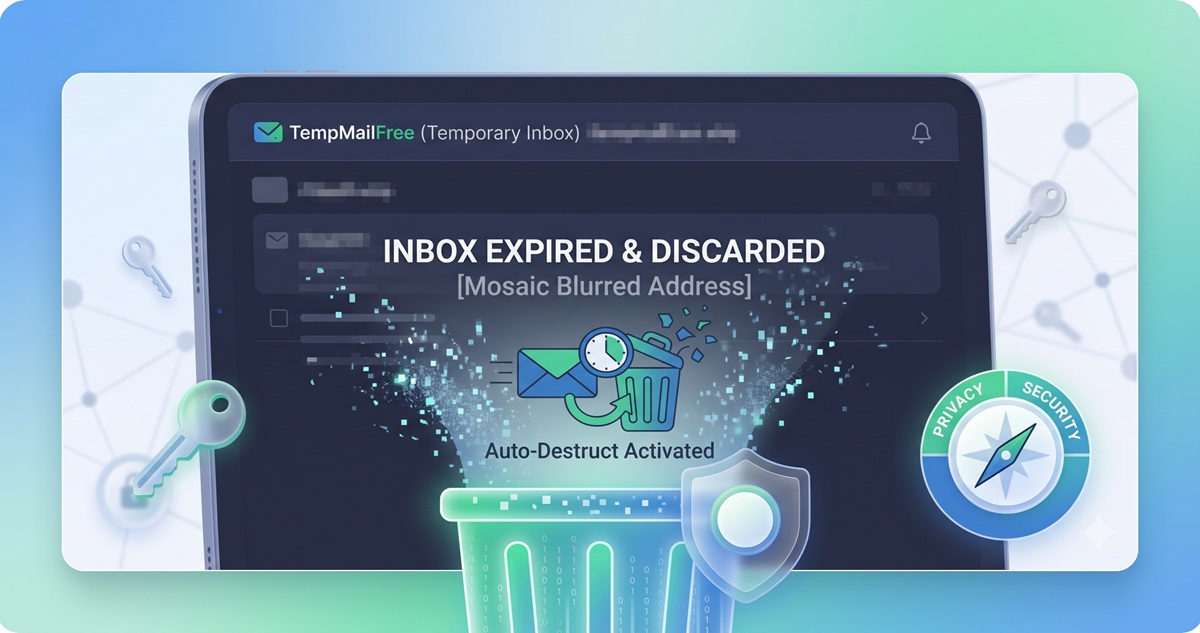
6. Let the Email Expire or Create a New One
Temporary email addresses are designed for short-term use.
When you no longer need the current inbox, you can simply stop using it or generate another temporary address.
This helps prevent unnecessary newsletters, marketing emails, and spam from reaching your personal inbox long after you have finished using a website.
Temporary Email in 3 Simple Steps
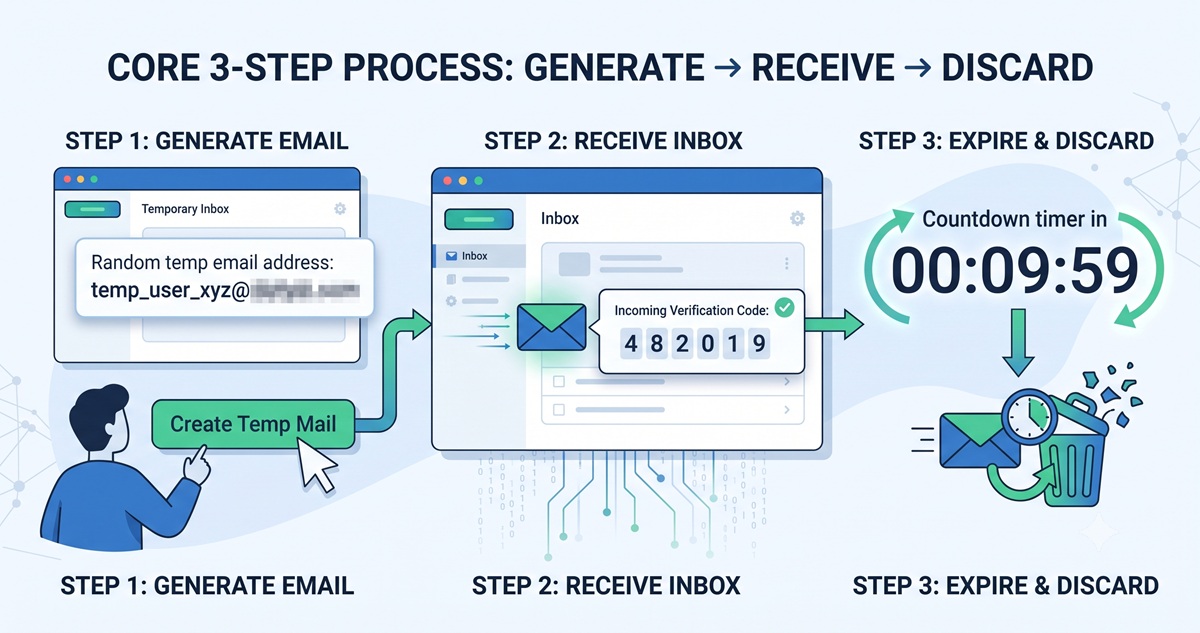
If you just want the short version:
Generate
Get a disposable email address instantly without creating an account.
Receive
Use the address online and receive incoming emails directly in your temporary inbox.
Discard
Finish your verification or other task, then leave the temporary inbox behind and create another whenever you need one.
Generate. Receive. Done.
Why Use a Temporary Email Address?
Every time you enter your personal email address on a new website, you create another connection between that website and your permanent inbox.
Sometimes that connection is necessary.
Often, it is not.
For registrations, temporary downloads, product testing, promotions, community websites, or one-time verification, a permanent email address may be more information than you need to provide.
A temporary email creates a layer between your personal inbox and the website you are using.
Keep Your Personal Email Private
Your primary email address can be connected to many important services, including social accounts, subscriptions, work platforms, cloud storage, and password recovery systems.
Using it everywhere increases its exposure.
Temp mail allows you to complete many short-term email interactions without giving every website your personal address.
Reduce Spam
Some websites continue sending promotional emails long after your original interaction is finished.
Others may share email addresses with marketing partners.
By using a disposable email for non-essential registrations, unwanted messages stay away from your primary inbox.
No Account Required
You should not need to create another account just to create a temporary email account.
TempMailFree is designed to be quick.
Open the service, get an address, and start receiving messages.
No username.
No password.
No lengthy registration process.
Fast Email Verification
Many websites require you to verify an email address before accessing their service.
With TempMailFree, you can:
- Generate a temporary address.
- Paste it into the registration form.
- Wait for the verification email.
- Open the message.
- Copy the OTP or click the verification link.
The entire process can often be completed within minutes.
Create a New Address Whenever You Need One
A disposable inbox is not intended to become another permanent email account that you have to manage.
When you finish using an address, simply create another when needed.
This makes temporary email particularly convenient for short-lived online activities.
When Should You Use Temp Mail?
Temporary email is useful when you need to receive an email but do not need a long-term relationship with the website sending it.
Common use cases include:
Website Sign-Ups
Register for a website without immediately giving it your personal email address.
Email Verification
Receive confirmation emails, activation links, and verification codes.
OTP Codes
Use a temporary inbox to receive supported one-time email verification codes.
Downloads
Access files, ebooks, templates, reports, or other resources that require an email address before downloading.
Free Trials
Keep trial-related marketing emails separate from your permanent inbox.
App Testing
Developers and QA teams can generate temporary addresses when testing registration and email workflows.
Newsletter Testing
Preview newsletters or automated campaigns without filling your main mailbox with test messages.
Online Communities
Use temporary addresses for short-term access to forums, communities, or other websites when a permanent address is unnecessary.
When Should You NOT Use Temporary Email?
Temporary email is convenient, but it should not replace a permanent email account for everything.
Do not use a disposable address for accounts that you may need to recover or access long term.
For example, avoid using temporary email for:
- Banking and financial accounts
- Government services
- Important business accounts
- Medical or highly sensitive accounts
- Password recovery addresses
- Long-term subscriptions
- Accounts containing valuable personal data
- Services you expect to use for months or years
If losing access to an email address could cause a serious problem later, use a permanent email account instead.
Temporary Email vs. Regular Email
| Feature | Temporary Email | Regular Email |
|---|---|---|
| Account registration | Not required | Usually required |
| Setup time | Seconds | Several minutes |
| Designed for short-term use | Yes | No |
| Suitable for OTP and verification | Yes, when supported | Yes |
| Helps isolate spam | Yes | Limited |
| Long-term account recovery | No | Yes |
| Personal communication | Not recommended | Yes |
| Permanent storage | No | Usually yes |
Temporary email and regular email serve different purposes.
Use a permanent mailbox for important communication and long-term accounts.
Use temporary email when you need a fast, disposable inbox for a short-term online task.
What Happens Behind the Scenes?
The concept behind disposable email is straightforward.
When you create a temporary address, TempMailFree provides an email address associated with a temporary inbox.
When another mail server sends a message to that address, the TempMailFree mail system receives the message and associates it with your temporary inbox.
Your browser can then display the received message without requiring you to configure an email client, SMTP server, IMAP account, username, or password.
From your perspective, the process looks like this:
Website → Temporary Email Address → TempMailFree Mail Server → Your Temporary Inbox
Your personal email address is never required for this workflow.
Why Temporary Email Helps Protect Your Inbox
Email addresses are frequently used as long-term identifiers across the internet.
Once your personal address is submitted to many websites, it can become difficult to control where it ends up.
A disposable email minimizes unnecessary exposure.
Instead of:
Website → Your Personal Email
you can use:
Website → Temporary Email → Expiration
This separation helps reduce the amount of unnecessary communication reaching your main inbox.
Do You Need to Install Anything?
No.
TempMailFree works directly from your web browser.
There is no email client to configure and no mailbox application required to start using a temporary address.
Simply open TempMailFree and use your temporary inbox online.
Do You Need to Create an Account?
No.
TempMailFree is designed to provide temporary email without requiring registration.
You do not need to create another username and password just to protect your main inbox from unnecessary emails.
Can You Create a Custom Temporary Email?
Yes.
When customization is available, you can choose a preferred mailbox name instead of relying only on a randomly generated address.
For example, instead of using an automatically generated mailbox, you may create an address that is easier for you to recognize during testing or verification.
Custom temporary addresses are especially useful for developers, QA testing, and users managing several short-term email workflows.
Tips for Using Temporary Email Safely
Temporary email is most effective when used for the right purposes.
Never use it as your recovery email
If an account is important, use an email address that you permanently control.
Do not receive sensitive information
Avoid using disposable mailboxes for confidential financial, medical, legal, or personal information.
Complete verification while the inbox is active
If you are waiting for an OTP or activation link, complete the process as soon as the message arrives.
Check the recipient address
If you are working with several temporary inboxes, make sure the website is sending the message to the correct address.
Generate a fresh inbox when needed
Instead of reusing one temporary address for unrelated services, create a new one when appropriate.
Start Using TempMailFree
You do not need another email account.
You do not need another password.
And you do not need to expose your primary inbox every time a website asks for an email address.
Generate a temporary email, use it for your short-term task, receive the message you need, and move on.
Free temporary email. No registration. Fast and simple.
Generate a Free Temporary Email
Frequently Asked Questions
How does TempMailFree work?
TempMailFree generates a temporary email address that you can use on websites instead of your personal address. Emails sent to the temporary address appear in your online inbox while the mailbox is available.
Do I need to register?
No. You can create and use a temporary email address without creating an account.
Is TempMailFree free?
Yes. TempMailFree is designed as a free disposable email service for short-term email needs.
Can I receive verification emails?
Yes. Temporary email can be used to receive verification messages, confirmation links, and email-based OTP codes when the website sending them accepts disposable email addresses.
Why has my verification email not arrived?
Email delivery may occasionally take a few seconds or minutes. Refresh your inbox and confirm that you entered the temporary email address correctly. Some websites may also restrict disposable email domains.
Can every website use temporary email?
No. Some websites actively block disposable email domains or require a permanent email address. Whether TempMailFree works depends on the policies of the website you are using.
Can I use temp mail for an important account?
It is not recommended. Use a permanent email address for accounts that require long-term access, password recovery, financial information, or sensitive personal data.
Can I customize my temporary email address?
Yes, when the custom email option is available, you can choose a mailbox name that is easier to recognize instead of using only a randomly generated address.
Is temporary email the same as a fake email?
Not exactly. A temporary email is a real working email address capable of receiving messages, but it is designed for short-term use rather than permanent communication.
What are other names for temporary email?
Temporary email is also commonly called temp mail, disposable email, throwaway email, burner email, temporary inbox, fake mail, 10 minute mail, or disposable mail.